REGISTRATIONS CLOSE SOON
SPECIAL STUDENTS DISCOUNT : $100 OFF
00
DAYS
00
HOURS
00
MINS
00
SECS
COMPOSITION IN DIGITAL PAINTING
Learn to build paintings that hold attention andcommunicate clearly. Five lessons, 5+ hours of content, 30+ structured videos of theory and painting demos.
YOUR PAINTING FEELS OFF AND YOU CAN'T EXPLAIN WHY?
You spend hours on rendering and detail, zoom out, and something is wrong. The image feels cluttered. Nothing stands out. The viewer's eye wanders without landing anywhere. At thumbnail size it just falls apart.
Most of the time, that problem is composition. Not technique, not brushwork. The underlying structure of the image was never sorted out to begin with. Composition is what guides the eye through a painting. It's what creates the sense that everything belongs together.
COMPOSITION IS A SKILL, IT CAN BE LEARNED.
I built this course for painters who are tired of placing things by feel and hoping it works out. It doesn't matter if you're just starting out or if you've been painting for years and hit a wall. The principles are the same, and once you understand them, you stop guessing.
The course is built around things that drive every strong painting:
- contrasts
- leading lines that move the eye through the image,
- value grouping
- shape design
Once you have a system, the decisions get easier. You stop repainting the same areas hoping something clicks. You know what the problem is and you know how to fix it.
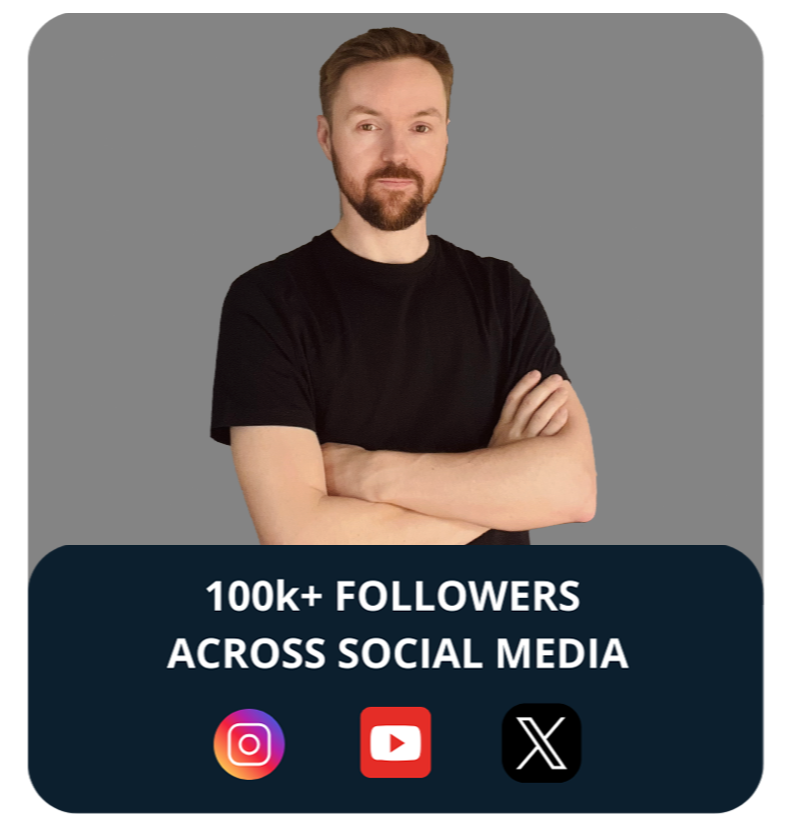
Hey, I'm Michal,
A digital painter and art director based in Warsaw.
Since 2012, I’ve been working on illustrations and production art, drawing inspiration from cinematography, interesting places, and all sorts of cool things around us.
I've had the opportunity to collaborate with amazing studios like DreamWorks, Netflix Animation, BMW, Nexus Studios, The Line Animation, Avalanche, Axis Animation, The Mill, Mooncolony and others, working across animation, gaming and various commercial projects.
If you're interested in learning more about composition in digital painting, I'm creating a course to share what I've learned over the years.
I'VE WORKED WITH

WHY SOME PAINTINGS PULL YOU IN?
If a painting across a gallery pulls you away from everything else, if it makes you stop and walk closer, that's composition doing its job. You haven't read a single detail yet. The abstract arrangement of shapes and values already did the work.
That quality isn't a talent some artists are born with. It's not a better brush set or a faster machine. It's a clear understanding of how the eye moves through an image and what makes it want to stay.
AT THE END OF THE COURSE
YOU WILL BE ABLE TO:
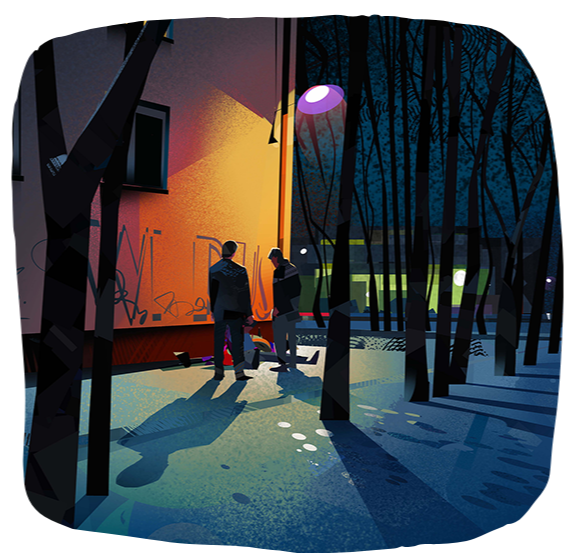
Create Readable Painting
Know how to organize shapes and values so the viewer's eye lands exactly where you want it, every time. No more paintings that feel busy or confusing at thumbnail size.
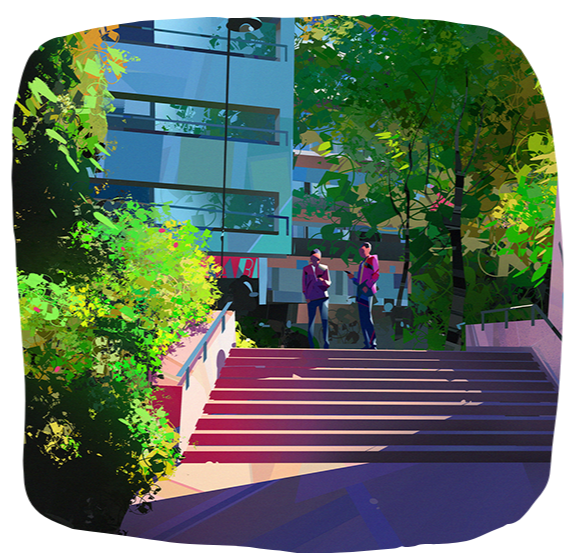
Use Contrast as a Tool
Understand how to use value, color, and detail contrast together to direct attention, reinforce your focal point, and give every painting a clear visual hierarchy.
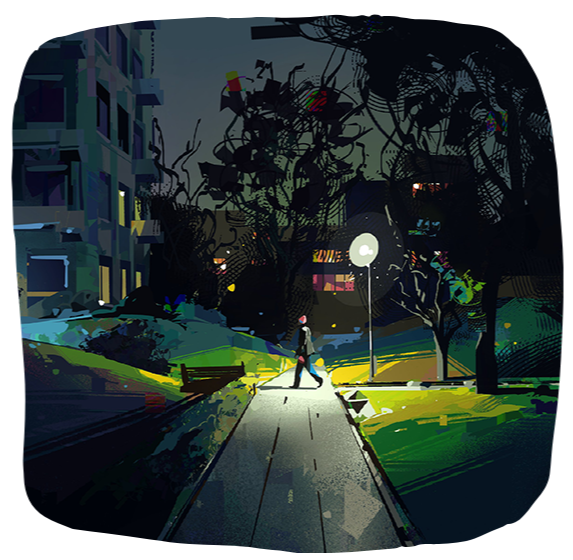
Simplify a Complex Scene
Know how to break down any subject into clear shape masses and value groups that read clearly, even at thumbnail size.
COURSE CONTENT
5 modules covering the core principles of composition, from foundational theory through practical application. Every module includes step-by-step video demos where I walk through real paintings and show exactly how each decision gets made, from the first thumbnail to the finished piece.
The course is structured to build on itself. We start with the basics, how to think about shapes and values in the abstract, and work toward designing a painting from start to finish. It works whether you're painting your first serious piece or you've been at it for years and want a stronger foundation.
Every module comes with a practical assignment. Watch at your own pace, pause and rewind whenever you need to, and come back to any lesson as your work develops.
COURSE BREAKDOWN:
MODULE 1
Introduction to Composition
🎨 Introduction
🎨 What is Composition?
🎨 Basic Elements of Composition
🎨 Focal Point Placement
🎨 Summary
🎨 Assignment and Demo
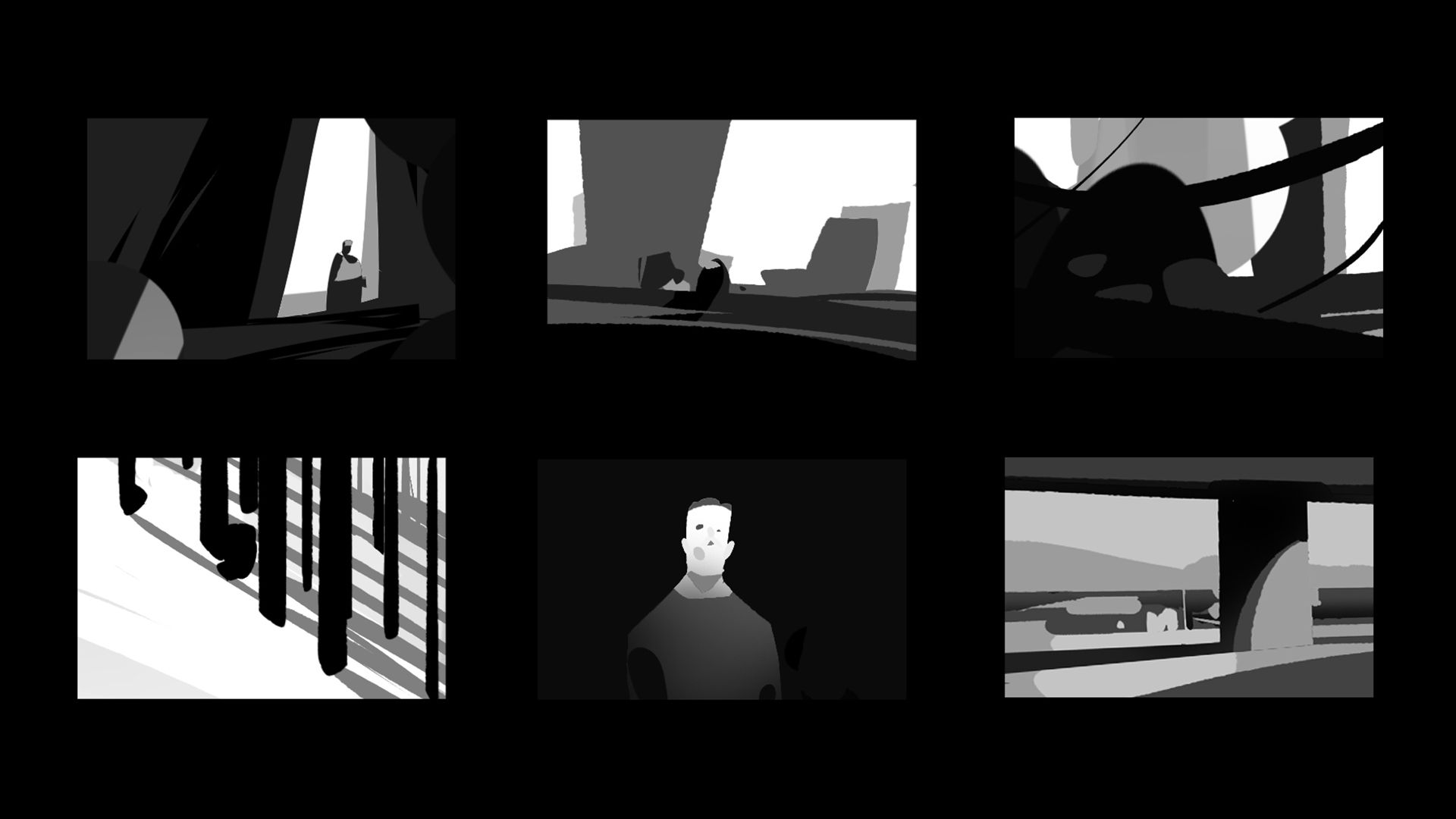
MODULE 2
Shapes and Values
🎨 Value Contrast Deep Dive
🎨 Introduction to Photoshop
🎨 A Look at Master Paintings
🎨 How I Simplify Shapes
🎨 Shapes - Flow and Simplicity
🎨 Thumbnail Value Studies part 1
🎨 Thumbnail Value Studies part 2
🎨 Assignment
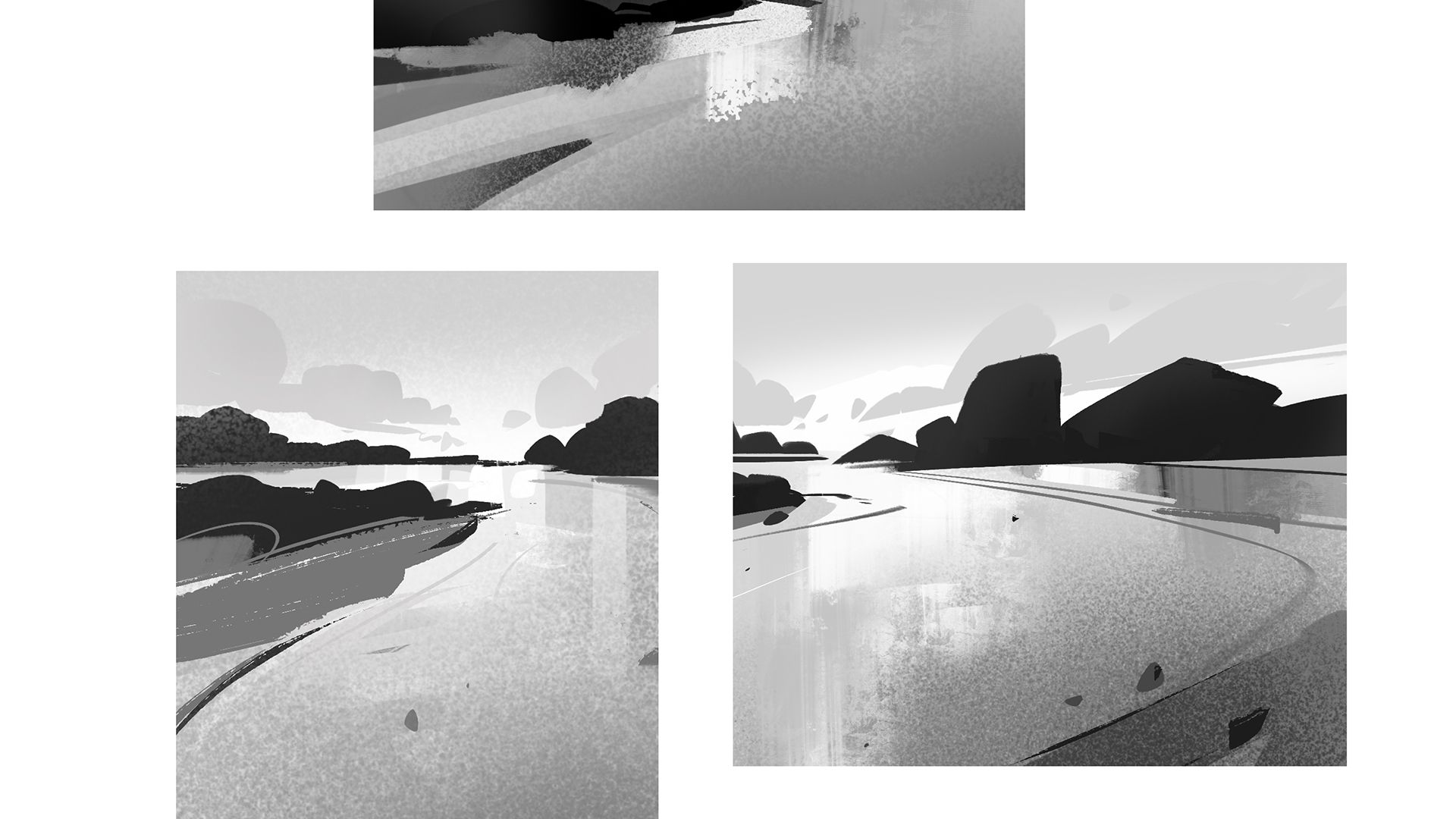
MODULE 3
Compositional Frameworks
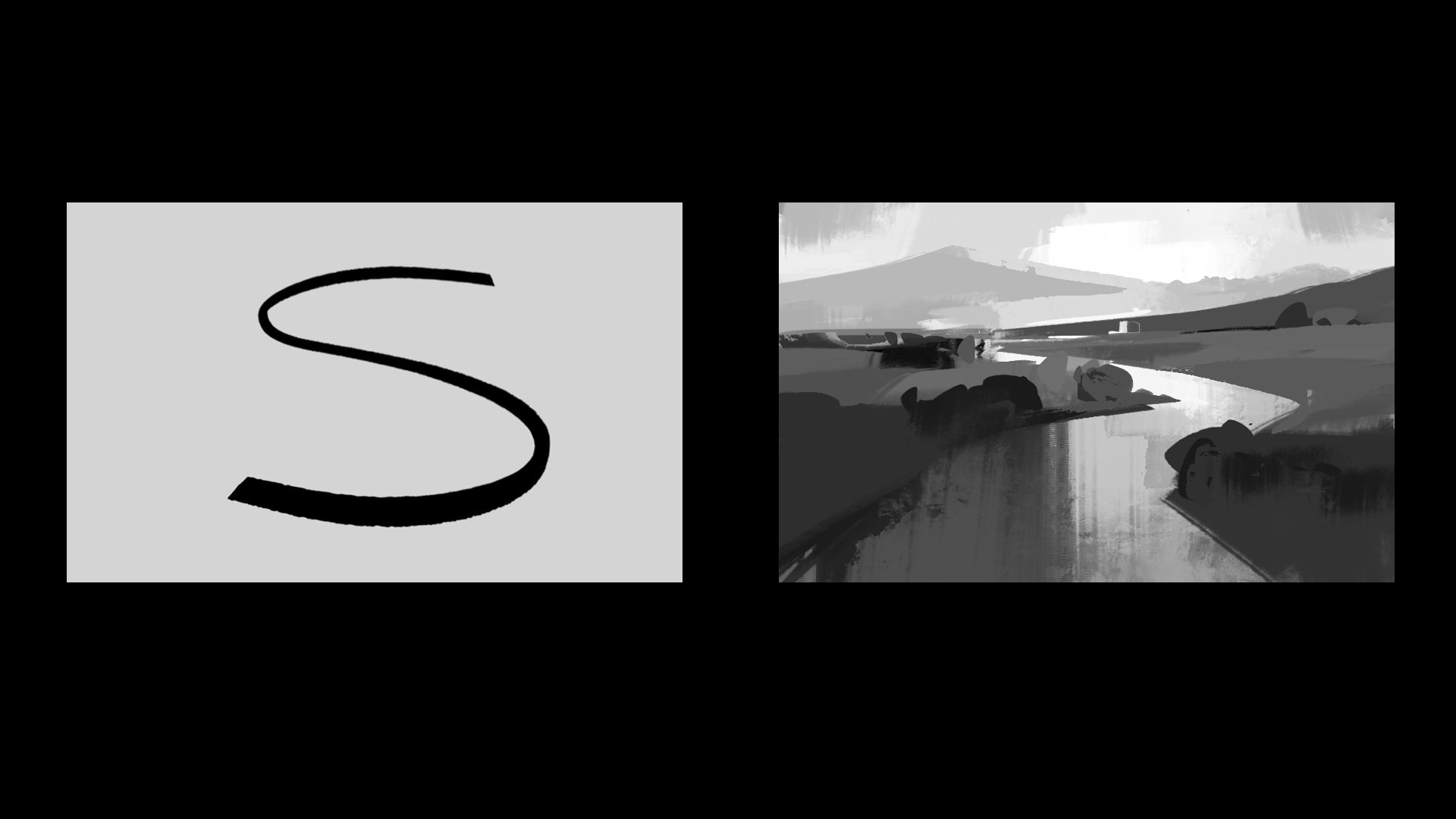
🎨 Compositional Frameworks Part 1
🎨 Compositional Frameworks Part 2
🎨 Compositional Structures Demo 1
🎨 Compositional Structures Demo 2
🎨 Observational study in Procreate 3
🎨 Summary and Assignment
MODULE 4
Color and Detail Contrast
🎨 Color and Detail Introduction
🎨 Visual Hierarchy Summary
🎨 Color and Detail Demo 1
🎨 Color and Detail Demo 2
🎨 Assignment
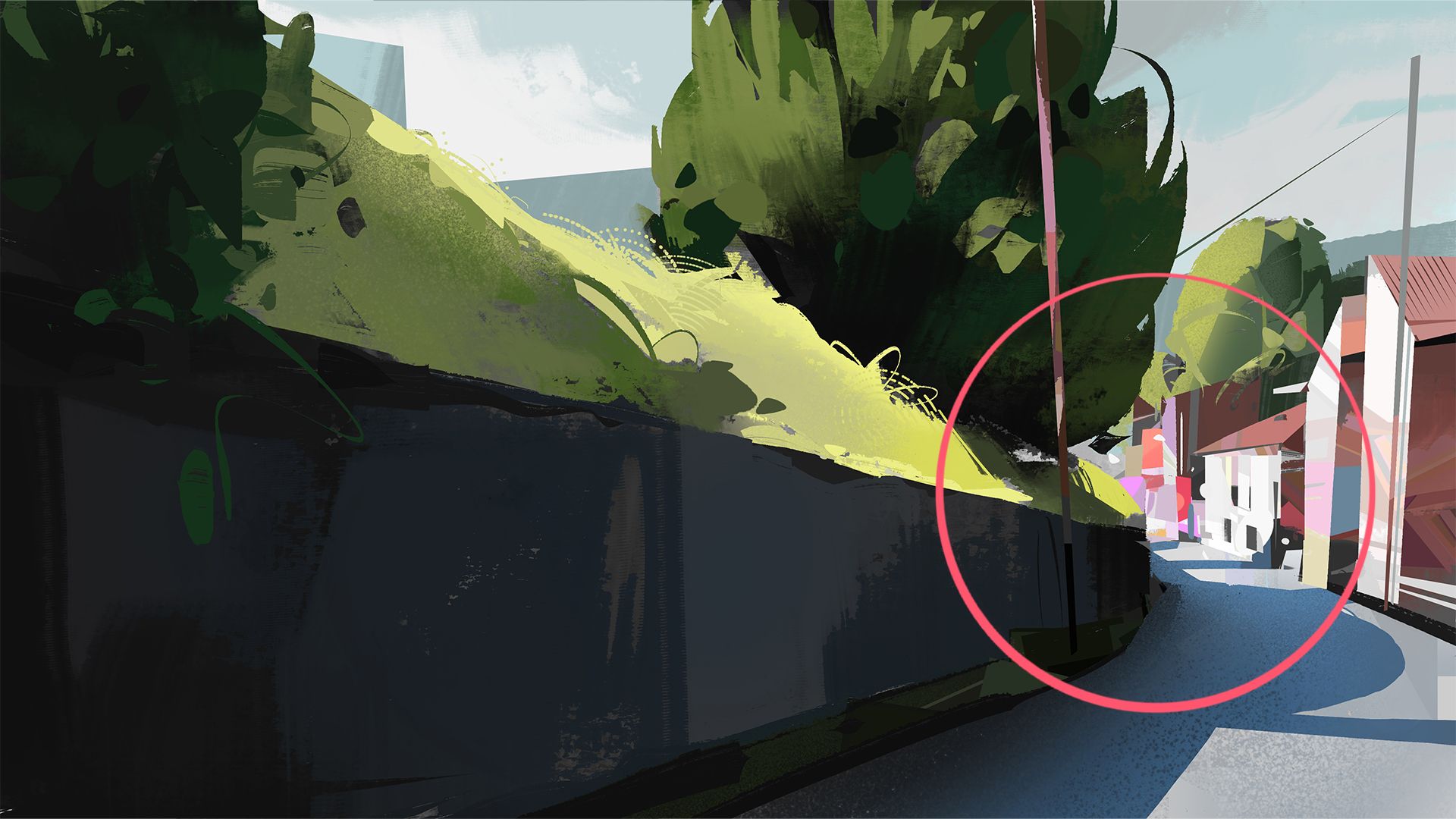
MODULE 5
From Idea to Finished Painting
🎨 The Challenge
🎨 Concept and Thumbnails Demo
🎨 Color Contrast Strategy Demo
🎨 Detail Contrast Planning Demo
🎨 Final Thoughts
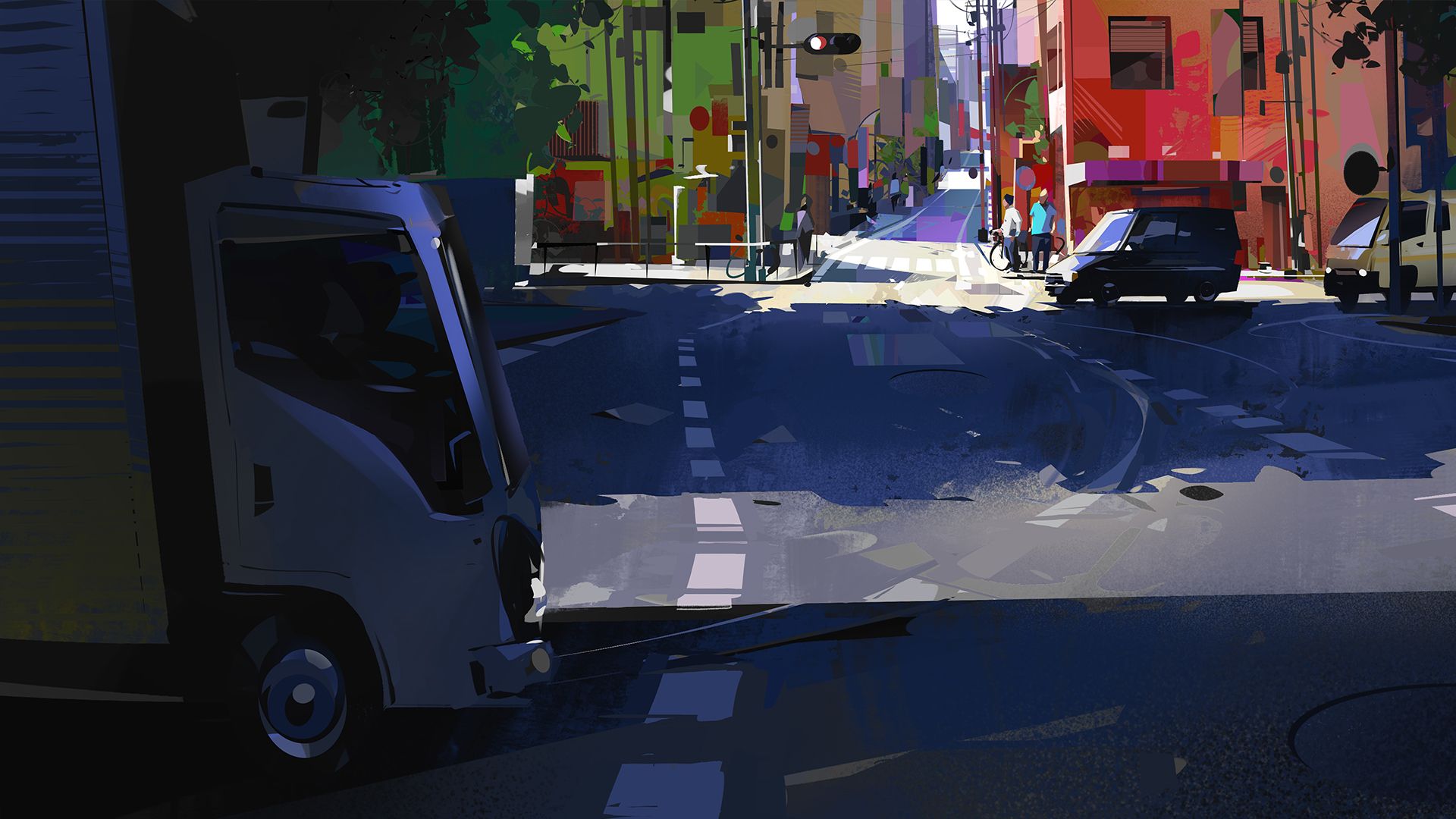
INCLUDED IN MY COURSE FEES:

Fundamentals & Materials
We'll cover the basics you need to understand before jumping into painting. You'll get access to the Photoshop and Procreate brushes I use, plus organized practice files so you can follow along with the exercises.

Practical exercises
I'll give you simple exercises to practice what we cover, plus you'll watch me paint complete scenes from start to finish so you can see the whole process. I've also included additional real time painting videos.

Lifetime Access
Once you get the course, it's yours. Watch it as many times as you want, whenever you want. Some concepts take time to sink in, so being able to go back and rewatch sections is helpful.

Flexibility
Learn at your own pace. Watch a whole module in one sitting or just do 10 minutes here and there. The course works on any device, so you can watch it wherever you are.

Community of artists
You'll get access to a group of people working through the same stuff. Ask questions, share your work, see what others are doing. It's nice to have that support when you're learning.

My support
Got questions? Just ask. Whether it's about a specific technique or you're not sure if you're doing an exercise right, I'm here to help. I check messages regularly and I'm happy to help clarify things.
FIND OUT MORE ABOUT
WHAT YOU'LL GET WITH THE COURSE!
Every lesson is built around practice. The explanations are clear and direct, the demos are practical. All videos are HD and you can adjust playback speed to suit how you work.
Each lesson uses visual examples and real paintings so the concepts are clear. You can follow along with every demo, and there is a community section where you can ask questions and share your work with other students.
The focus throughout is on the skills that actually move your work forward: building value structure, simplifying complex scenes, and making compositional decisions with intention.
Watch on your own schedule, as many times as you need.
BONUSES:
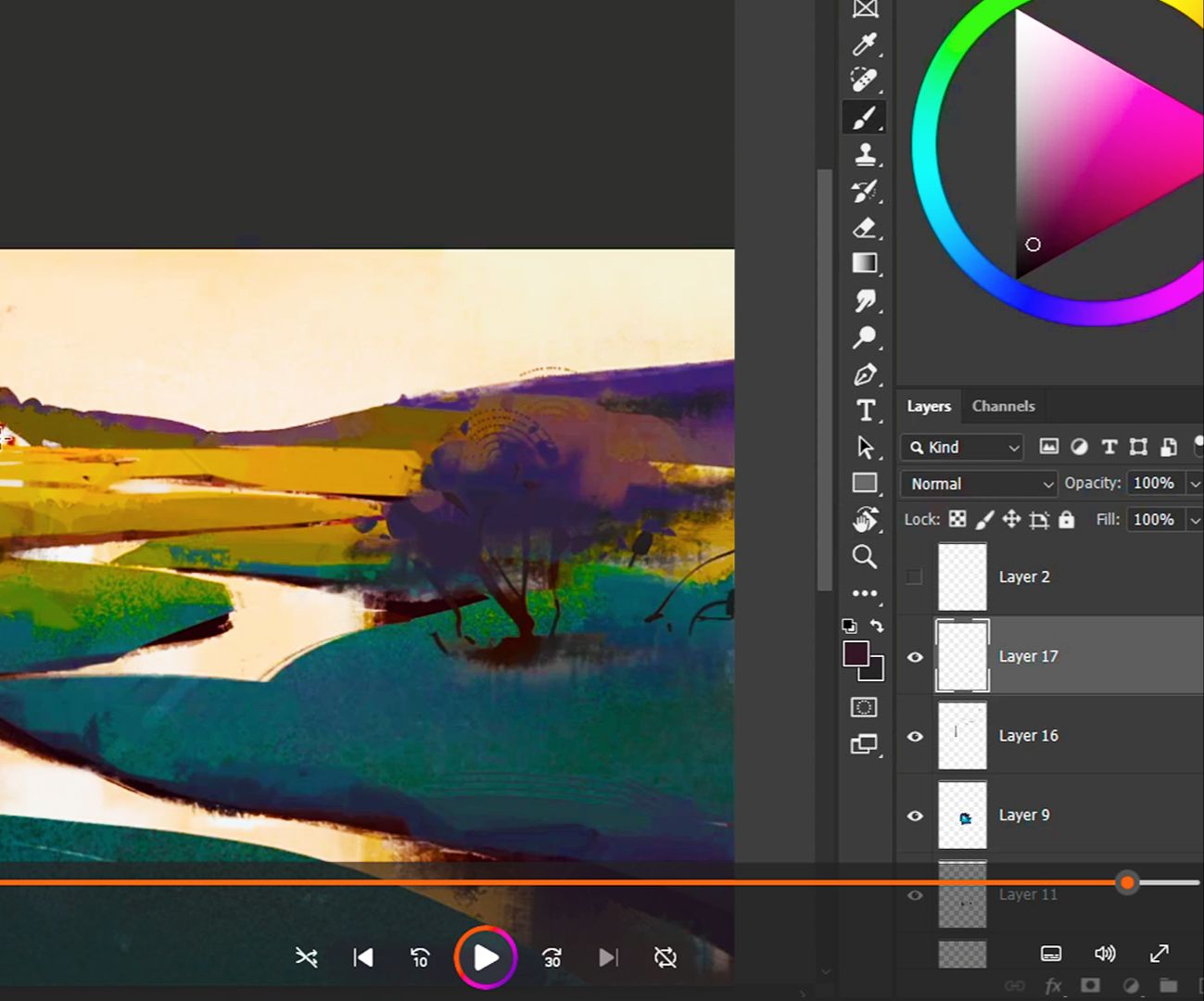
Real time painting videos
Watch the complete, unedited process. See every decision and mistake - just like being there while I paint.
VALUE: $67 FREE
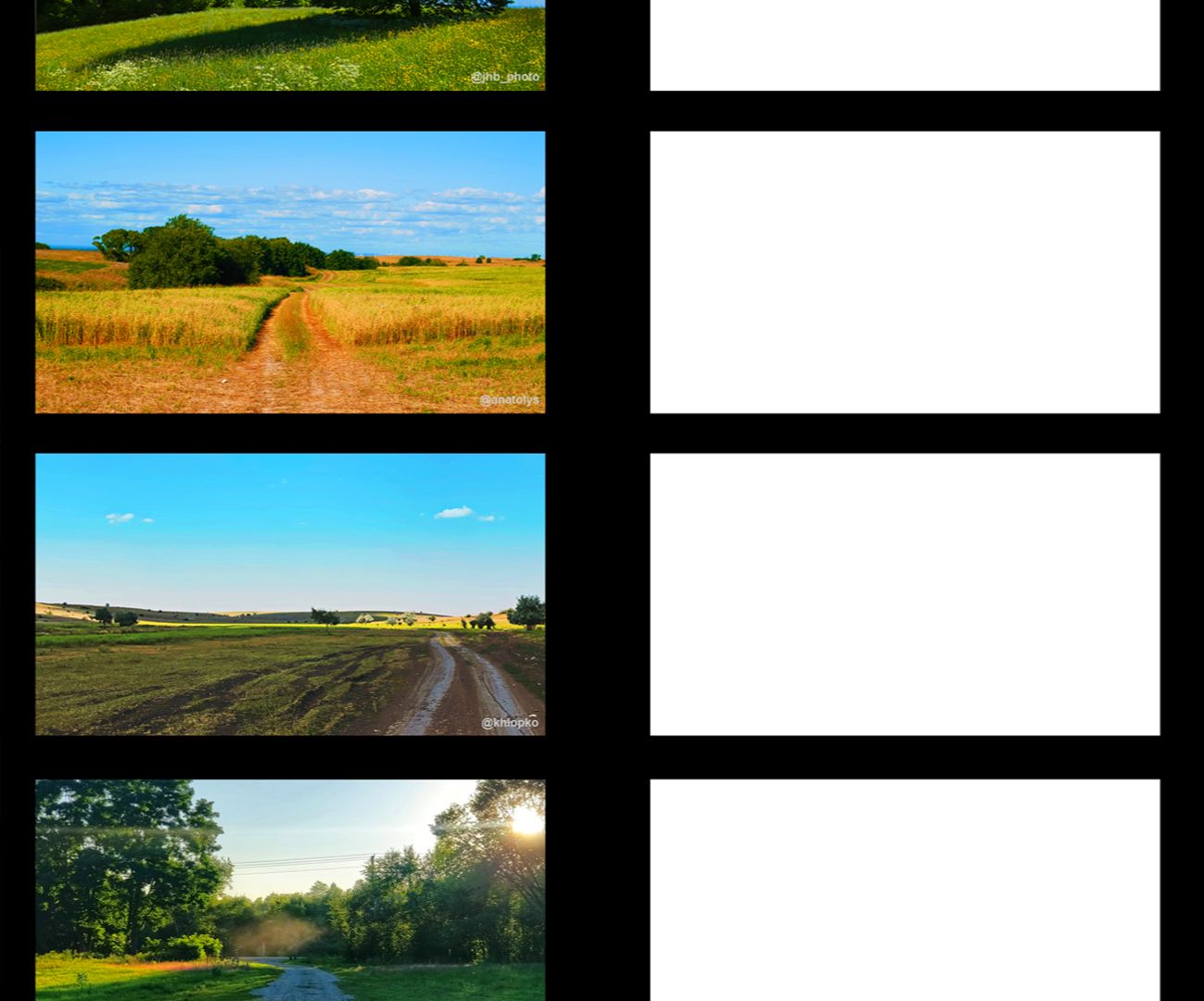
Photoshop & Procreate files
Layered files for Photoshop and Procreate with reference images from the demos. Practice with same setup I use.
VALUE: $47 FREE
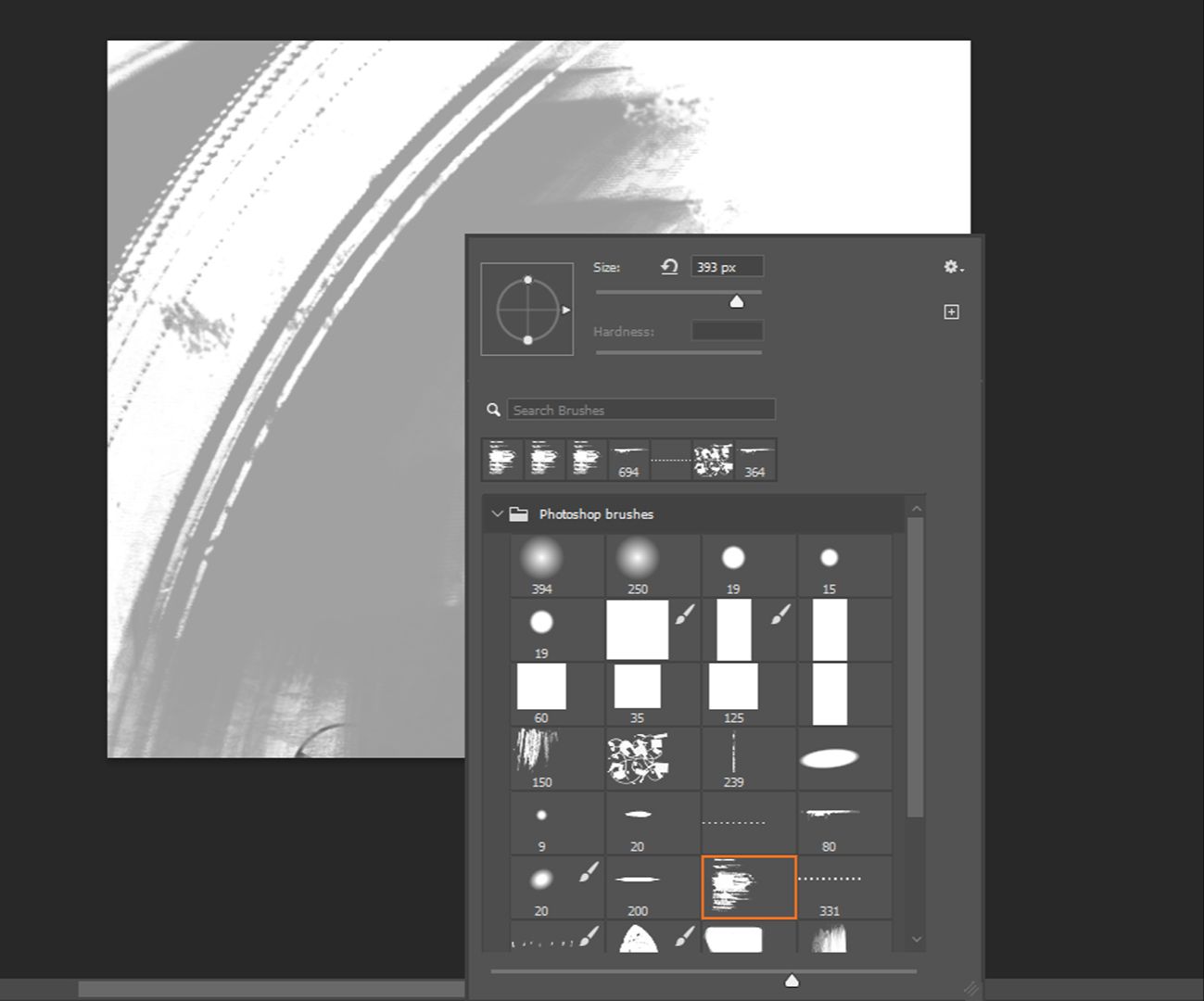
Procreate & Photoshop brushes
Brushes I actually use in the course - for both Photoshop and Procreate. No need to hunt around for the right tools.
VALUE: $27 FREE
REGISTRATIONS ARE CLOSING SOON!
00
DAYS
00
HOURS
00
MINS
00
SECS
TWO WAYS TO GET STARTED
SPECIAL STUDENTS DISCOUNT : $100 OFF
Both options give you full access to the same course. The only difference is how you pay: a single one-time payment, or four monthly installments. Prices are displayed in USD but you can pay in any currency.


MY GUARANTEE
If you are not satisfied with the courses for any reason, you have the right to obtain a full refund within the first 14 days. This is my guarantee to you. Also, this means that there is no risk as well! Give it a try and experience the program first-hand