REGISTRATIONS CLOSE SOON
00
DAYS
00
HOURS
00
MINS
00
SECS
TWO THINGS THAT MAKE A PAINTING WORK
Every painting that feels good has two things working: a clear structure and color that supports the mood. That doesn't happen by accident. It happens when you understand how these things work. That's what this bundle is about.
STOP GUESSING AND START PAINTING
There's no magic brush that makes your paintings work. It comes down to understanding composition and color how to build a structure, read values, and understand how light behaves. This bundle gives you that foundation. Whether you're working from a photo or from your head, you'll have a way of thinking about every decision instead of just hoping it turns out right.
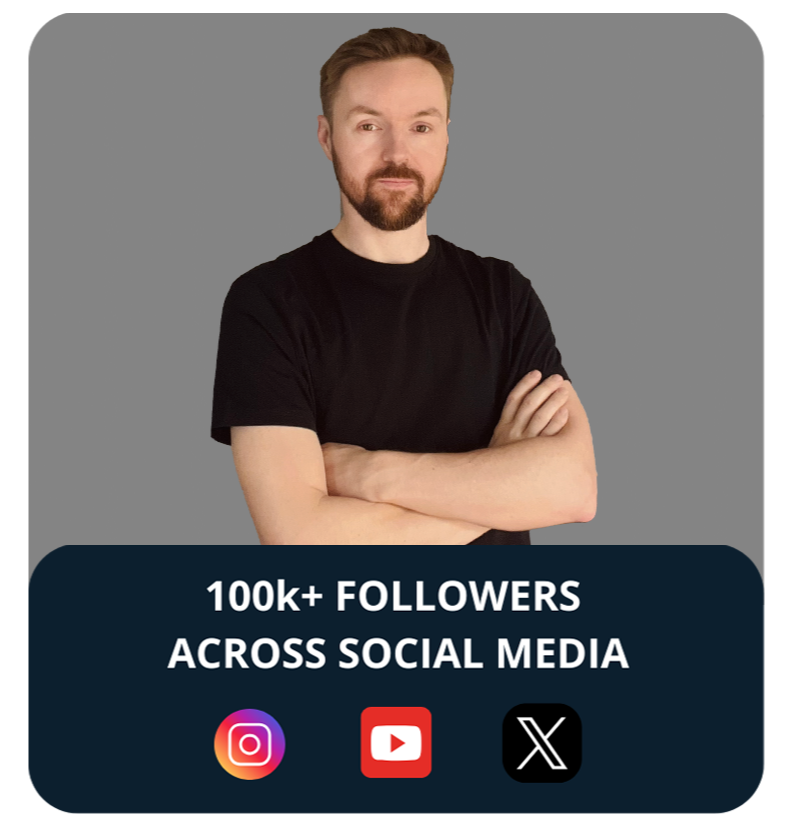
Hey, I'm Michal,
A digital painter and art director based in Warsaw.
Since 2012, I’ve been working on illustrations and production art, drawing inspiration from cinematography, interesting places, and all sorts of cool things around us.
I've had the opportunity to collaborate with amazing studios like DreamWorks, Netflix Animation, BMW, Nexus Studios, The Line Animation, Avalanche, Axis Animation, The Mill, Mooncolony and others, working across animation, gaming and various commercial projects.
If you're interested in learning more about color and light & composition in digital painting, I created these courses to share what I've learned over the years.
SIGN UP NOW




THE DETAILS ARE FINE. SO WHY DOESN'T IT WORK?
You finish a painting and something isn't working. The details are there, the time is in, but zoom out and it falls apart. It's usually not the brushwork. It's that the foundation isn't solid. No clear structure, values that aren't quite right, colors that feel a bit random. Once you understand how composition and color actually work together, those problems start to make sense. You stop moving things around hoping it clicks and start making decisions that you can actually explain.
WHAT YOU'LL UNLOCK THROUGH THE COURSES:
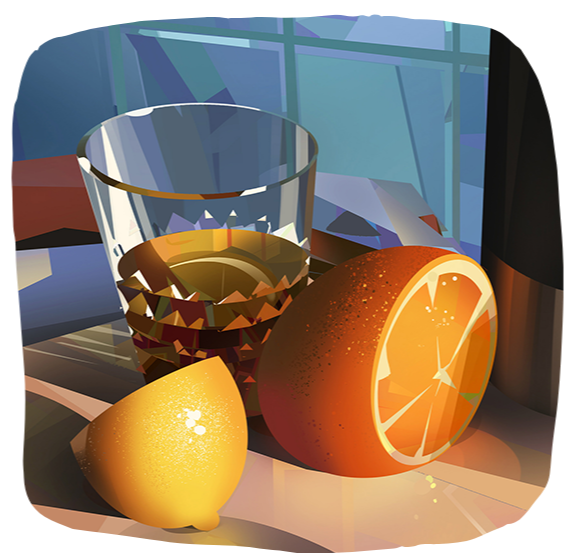
Know how light works
Not just copy what you see, but know why it looks the way it does and how to use it intentionally. How different light sources behave, how temperature affects mood, how values create depth.
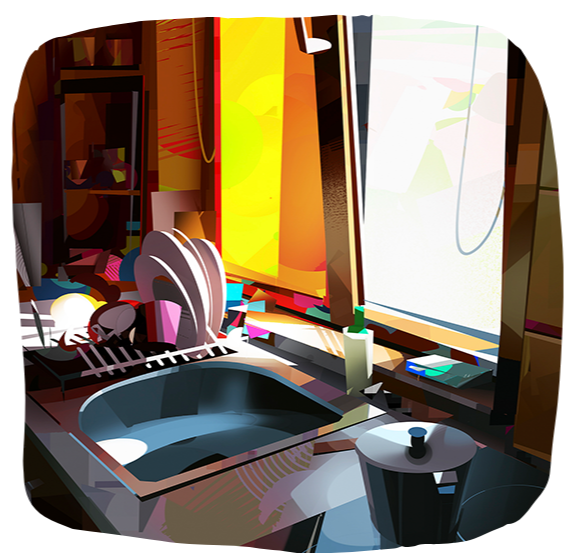
Paint intentionally
Every choice, where to place something, what color and how saturated it should be, will start to make sense. You'll have a way of thinking that makes those decisions feel a lot more natural.
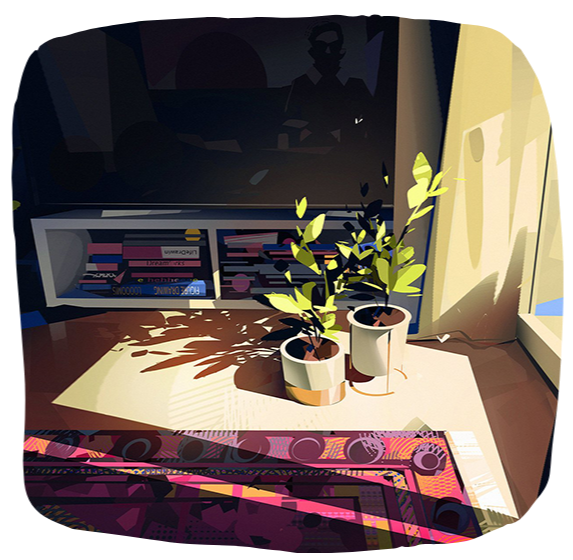
Understand composition
You'll learn how to break a scene down into shapes, how to build a value structure from the ground up to make your painting clear and balanced.
COURSES CONTENT
This bundle covers both courses in full, 10 modules, structured from the ground up. Each one combines theory with painting demos so you can see how the concepts apply. The color and light course builds the foundation: how light behaves, how to use color, how to create atmosphere. The composition course builds on top of that: shapes, values, compositional structure.
Every module has practice exercises. You work through it at your own pace, pause and rewatch whenever you need to.
IN COLOR & LIGHT IN DIGITAL PAINTING YOU WILL LEARN:
MODULE 1
Getting Started
☆ About me
☆ Course Introduction : Why Light & Color Matter
☆ Light Sources
☆ Quick Assignment: Light Source Analysis
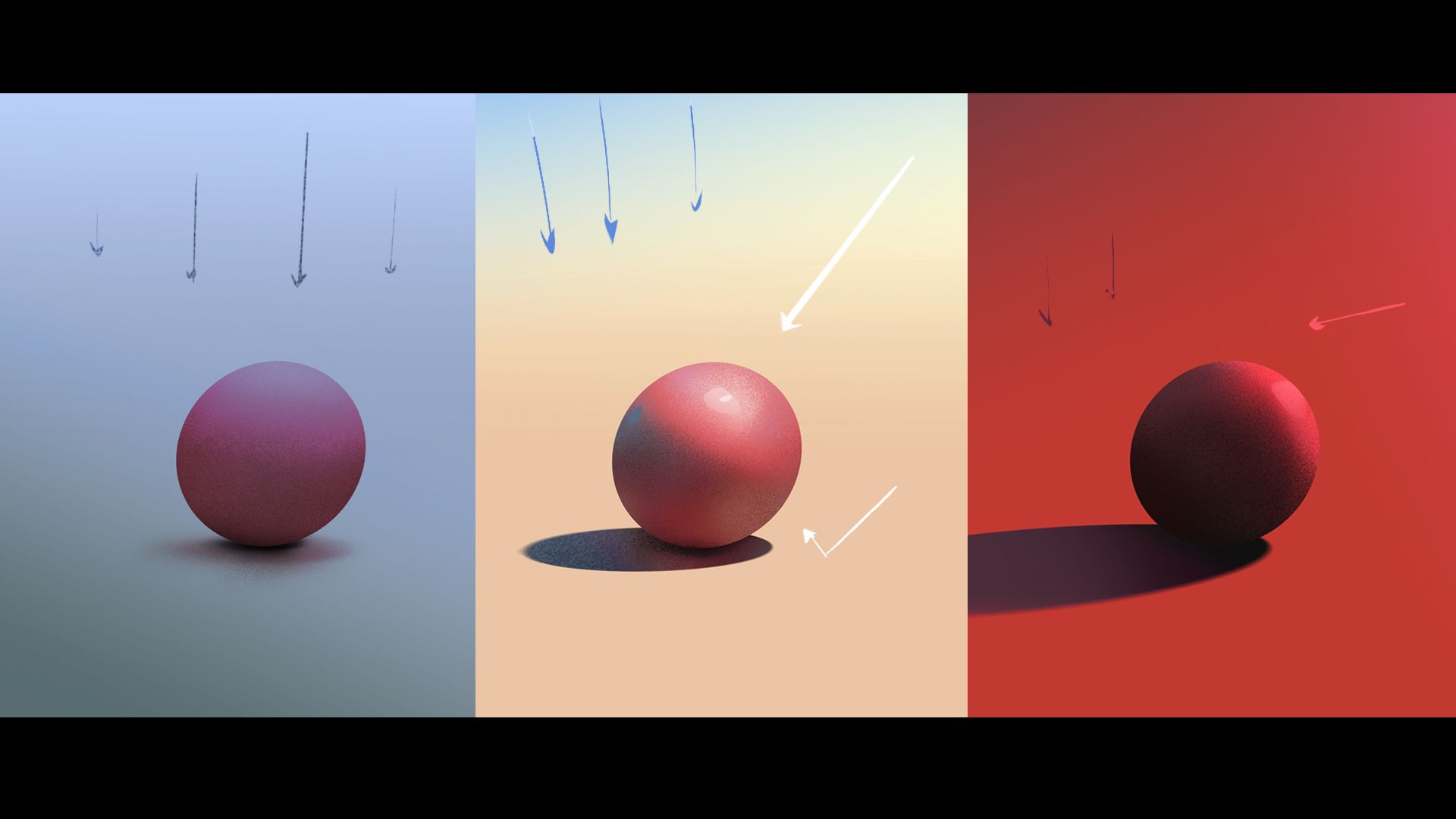
MODULE 2
Building with Values
☆ Introduction to Values
☆ Introduction to Photoshop
☆ Value Studies: Simple Objects 1
☆ Value Studies: Simple Objects 2
☆ Value Studies: Environments & Landscapes 1
☆ Value Studies: Environments & Landscapes 2
☆ Practice
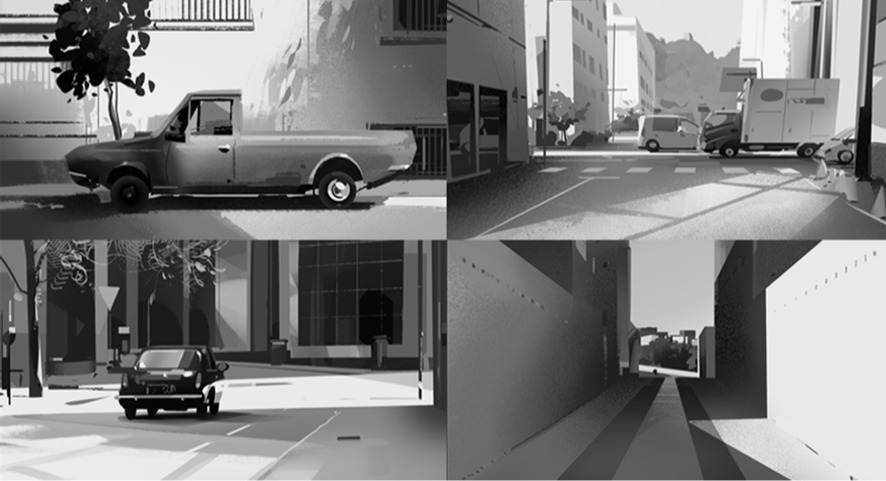
MODULE 3
Understanding Color
☆ Color Fundamentals
☆ Procreate Overview
☆ Observational study in Procreate 1
☆ Observational study in Procreate 2
☆ Observational study in Procreate 3
☆ Photoshop study from reference
☆ Summary and task
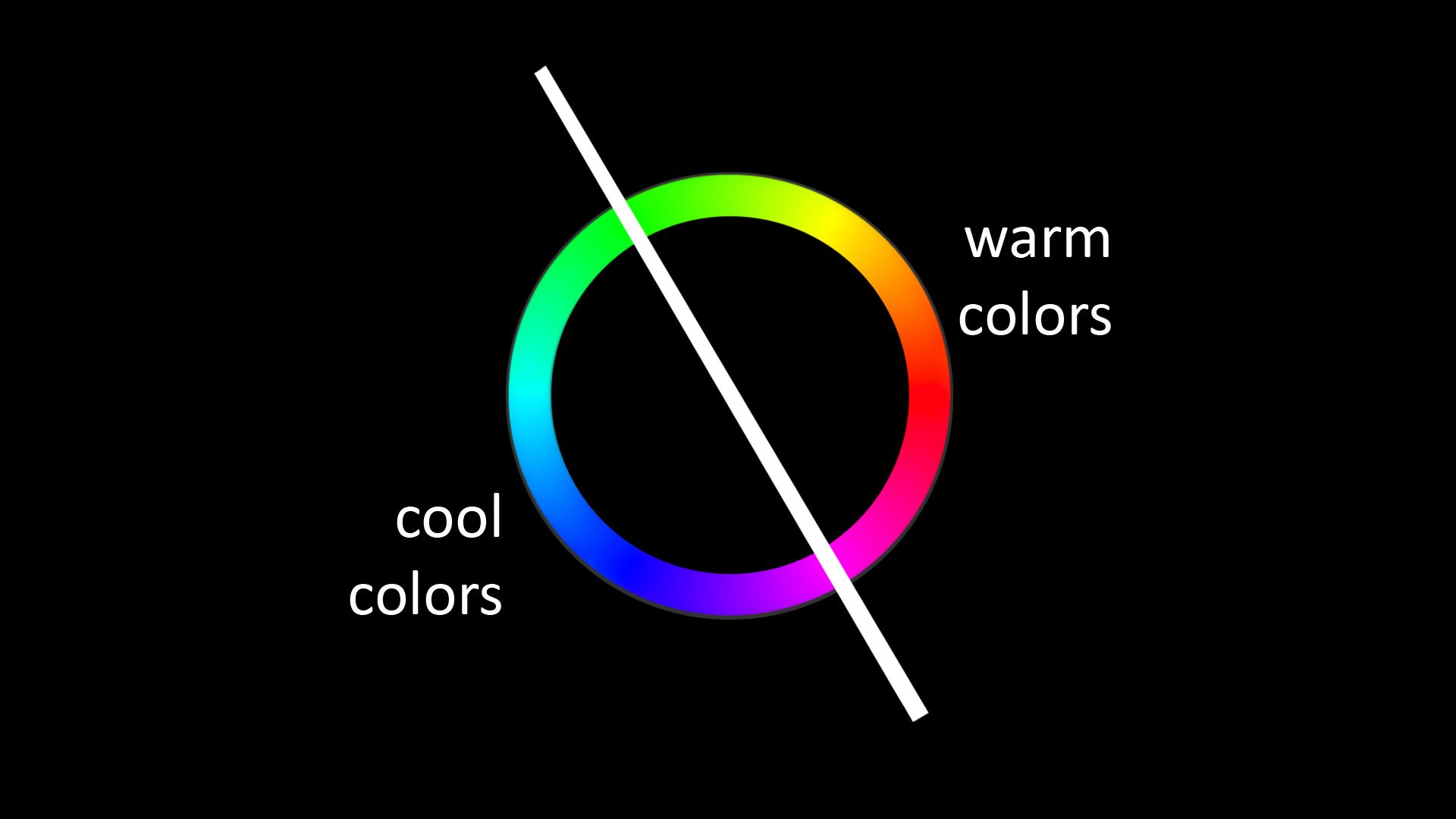
MODULE 4
Creating Mood & Harmony
☆ Introduction to Color Harmony
☆ Exploring different moods
☆ Color Mood demo part1
☆ Color Mood demo part2
☆ Color Mood demo part3
☆ Color Mood demo part4
☆ Summary and task
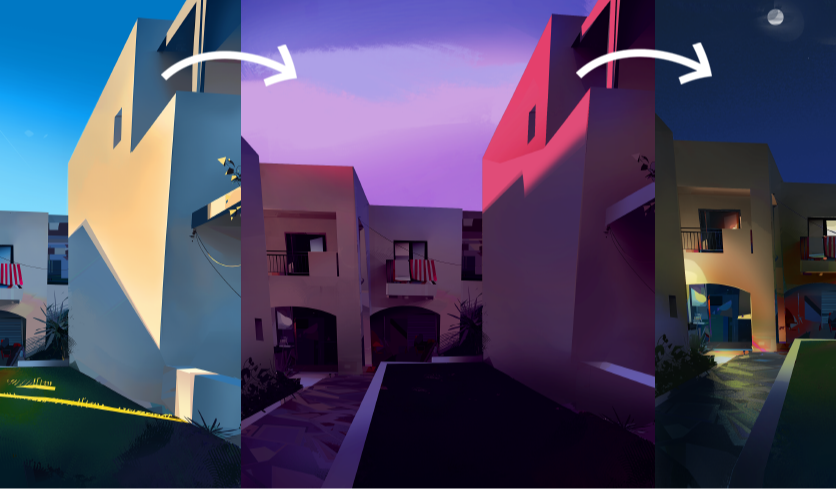
MODULE 5
Your Personal Project
☆ Your Challenge
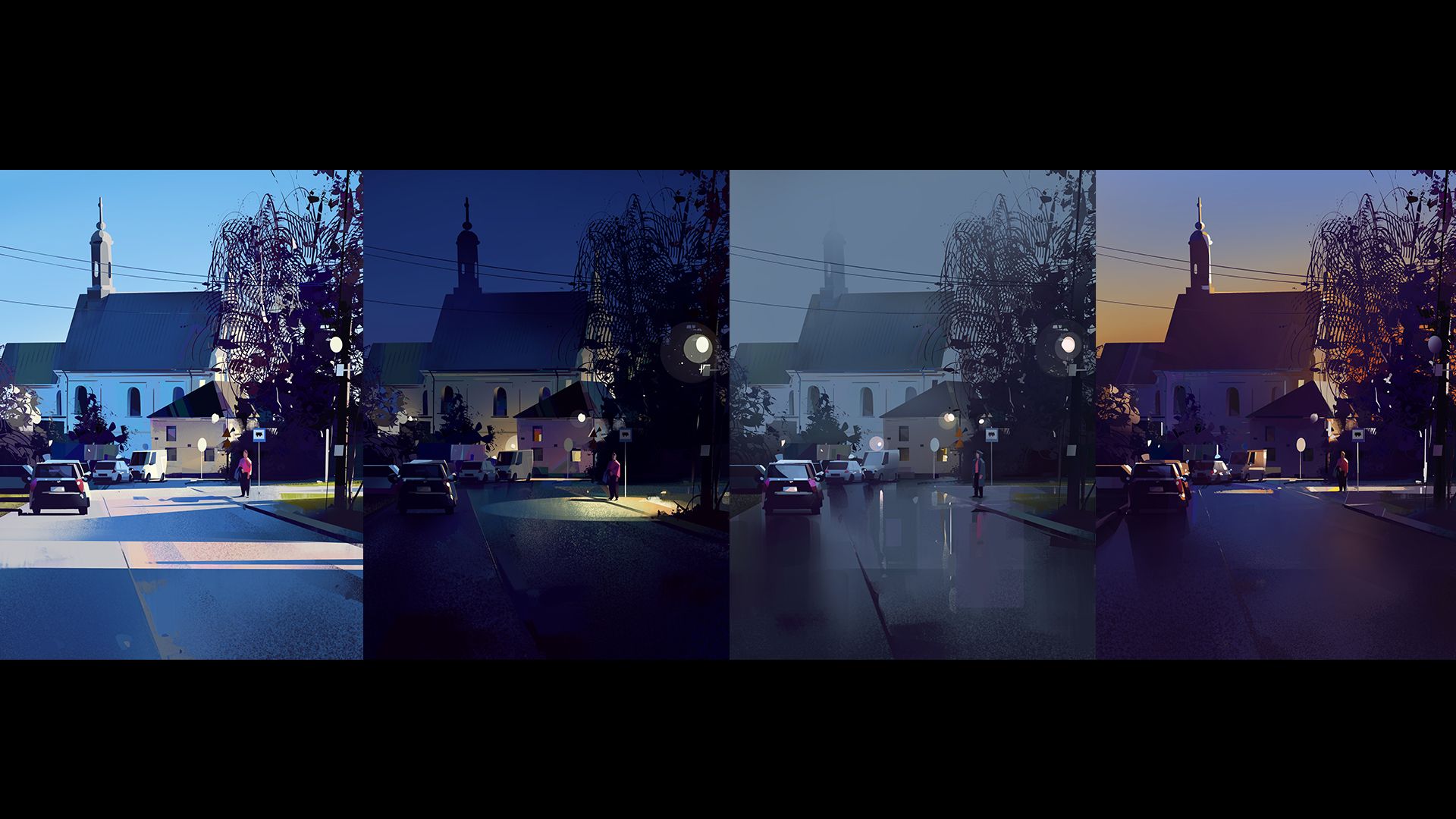
☆ Sunny Day Mood part1
☆ Sunny Day Mood part2
☆ Evening/Night Mood
☆ Overcast/Rainy Mood
☆ Golden Hour/Sunset Mood
☆ Final thoughts
IN COMPOSITION IN DIGITAL PAINTING YOU WILL LEARN:
MODULE 1
Introduction to Composition
☆ Introduction
☆ What is Composition?
☆ Basic Elements of Composition
☆ Focal Point Placement
☆ Summary
☆ Assignment and Demo
MODULE 2
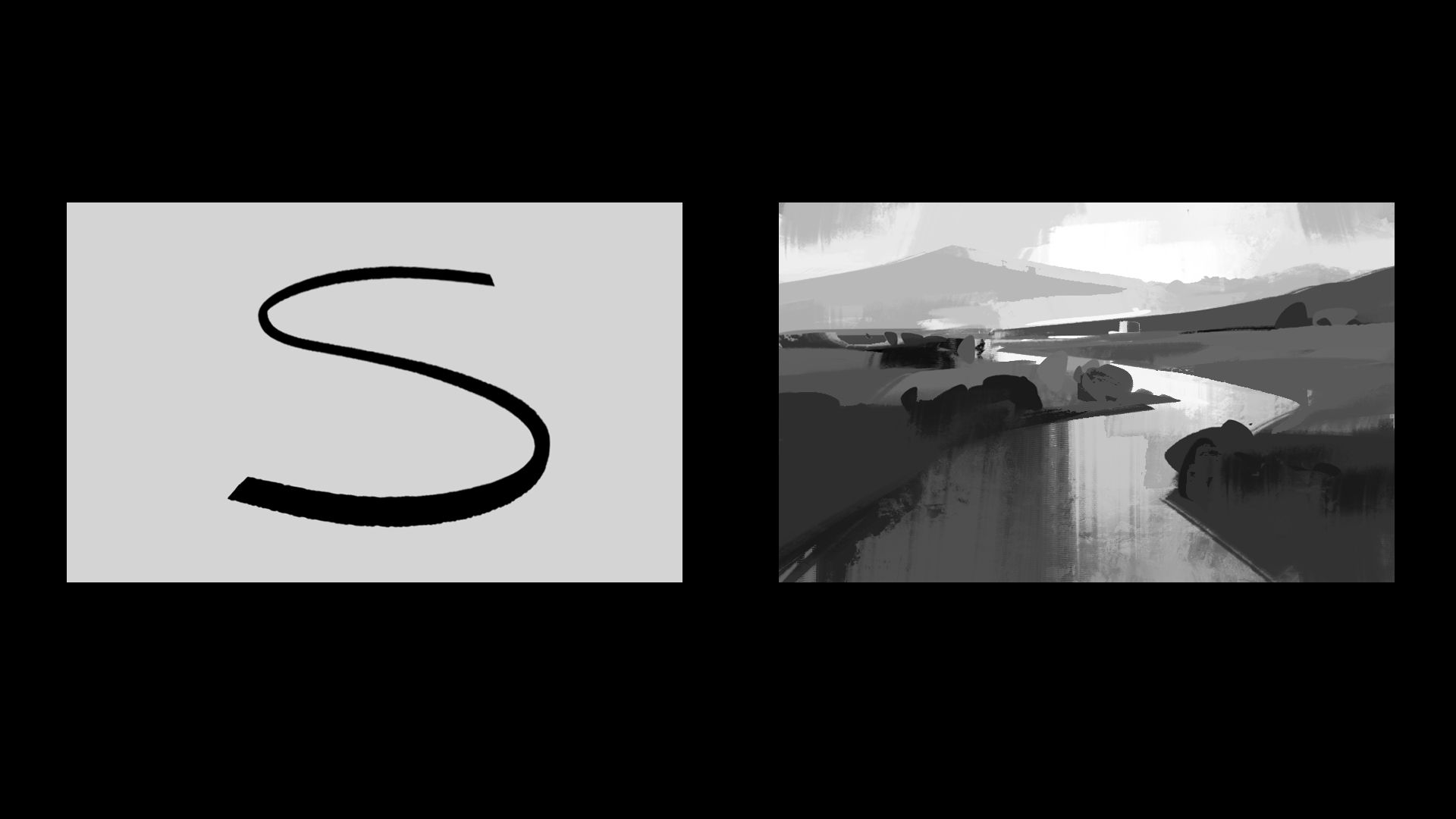
Shapes and Values
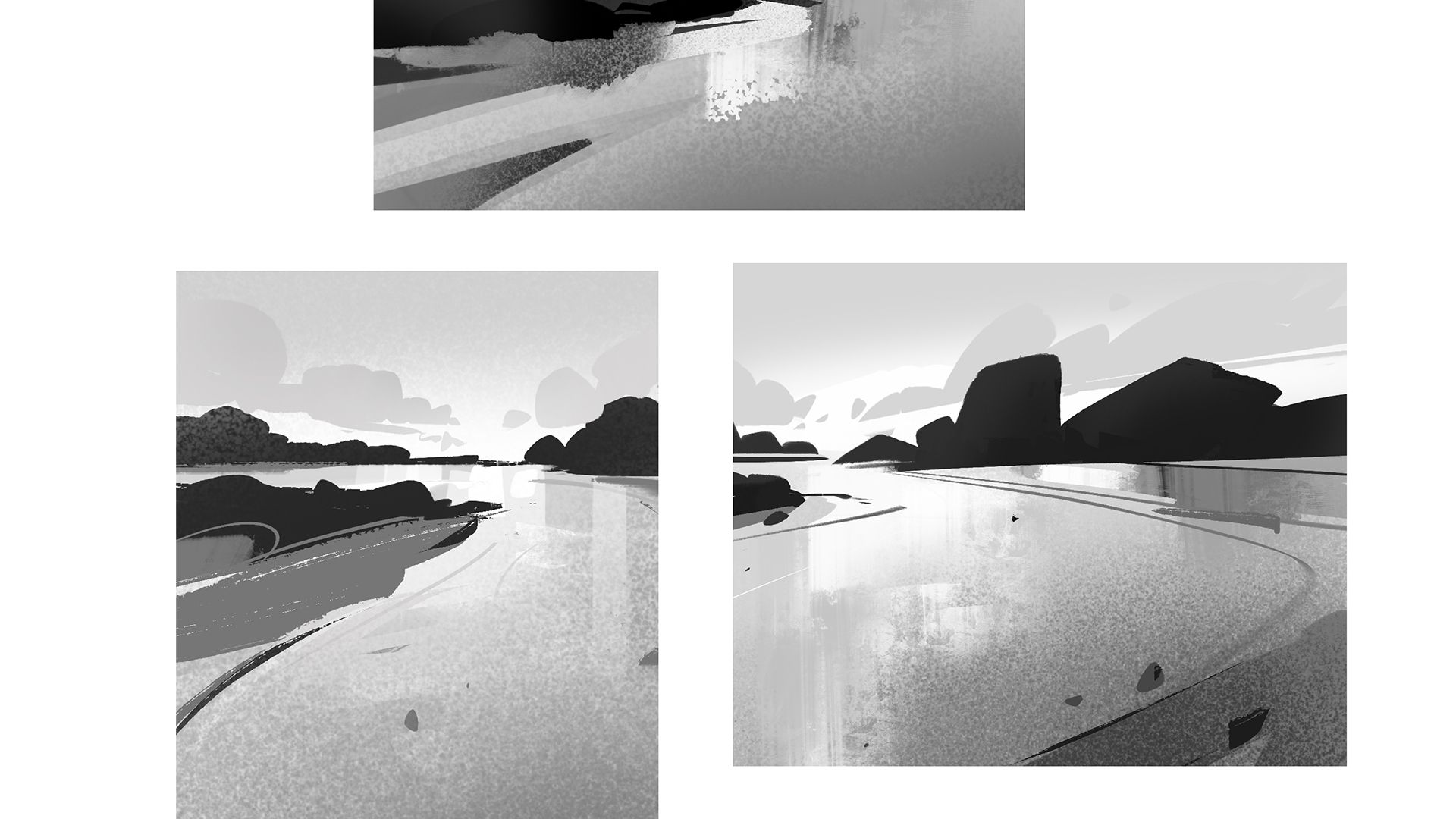
☆ Value Contrast Deep Dive
☆ Introduction to Photoshop
☆ A Look at Master Paintings
☆ How I Simplify Shapes
☆ Shapes - Flow and Simplicity
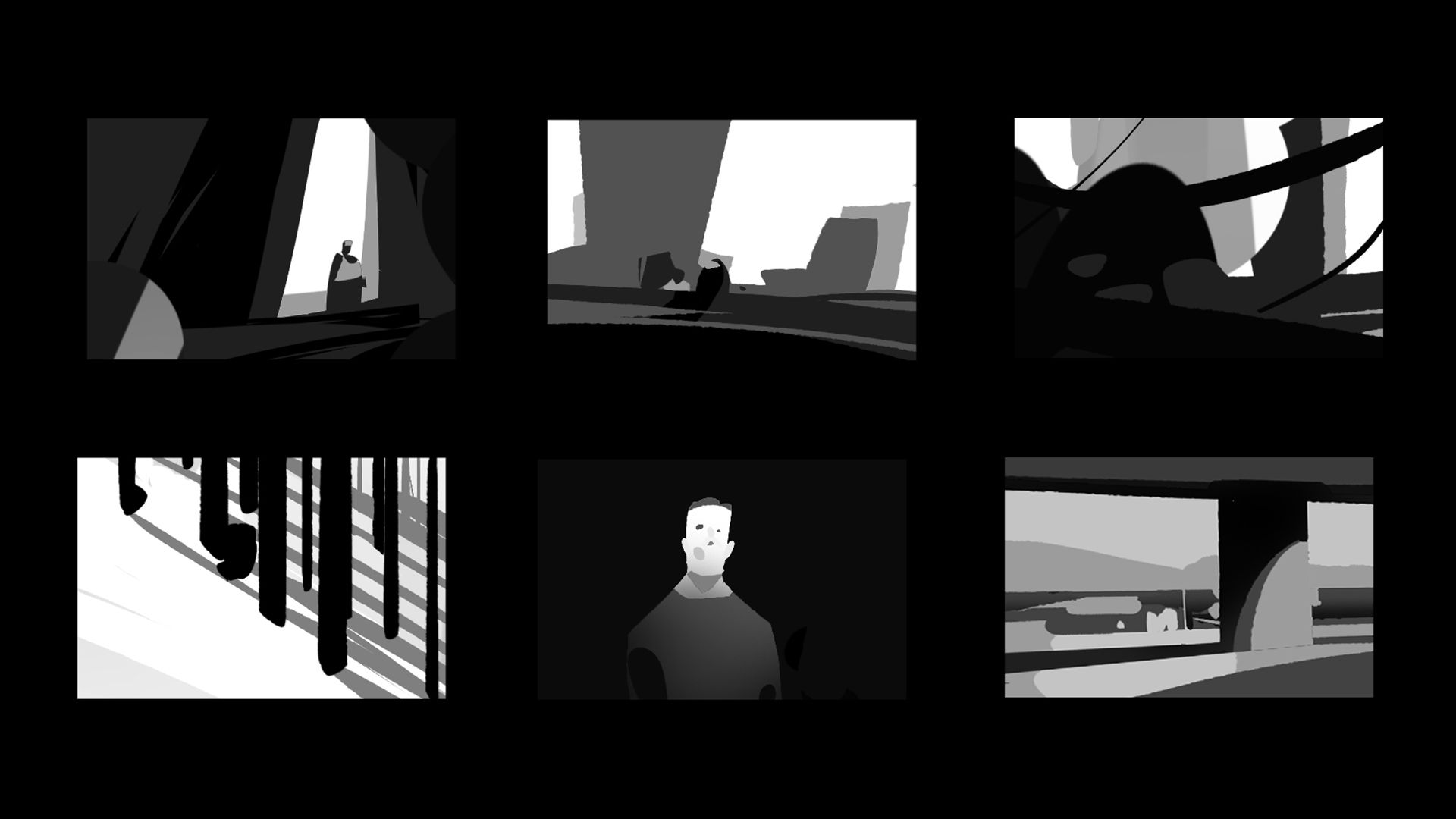
☆ Thumbnail Value Studies part 1
☆ Thumbnail Value Studies part 2
☆ Assignment
MODULE 3
Compositional Frameworks
☆ Compositional Frameworks Part 1
☆ Compositional Frameworks Part 2
☆ Compositional Structures Demo 1
☆ Compositional Structures Demo 2
☆ Observational study in Procreate 3
☆ Summary and Assignment
MODULE 4
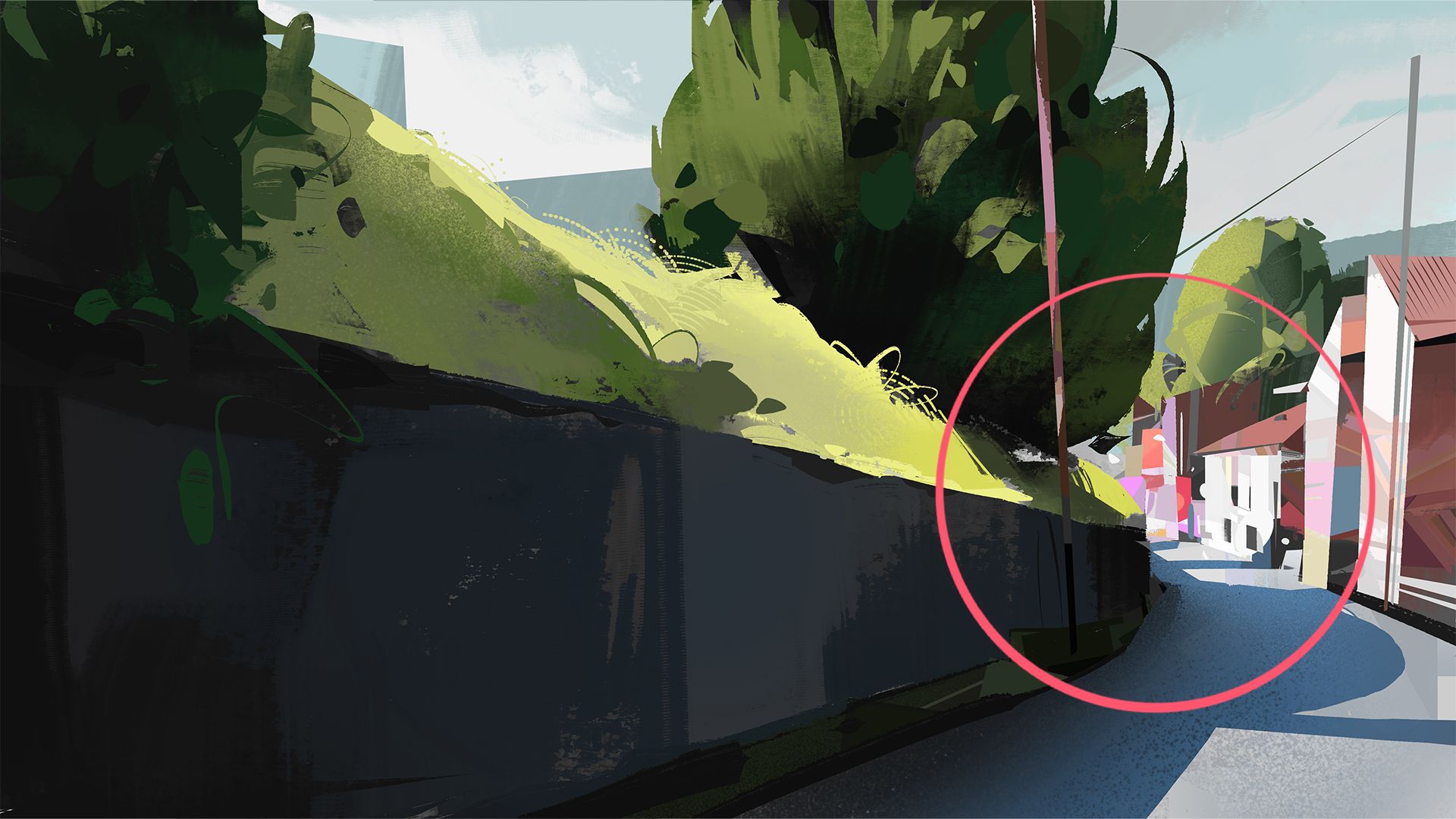
Color and Detail Contrast
☆ Color and Detail Introduction
☆ Visual Hierarchy Summary
☆ Color and Detail Demo 1
☆ Color and Detail Demo 2
☆ Assignment
MODULE 5
From Idea to Finished Painting
☆ The Challenge
☆ Concept and Thumbnails Demo
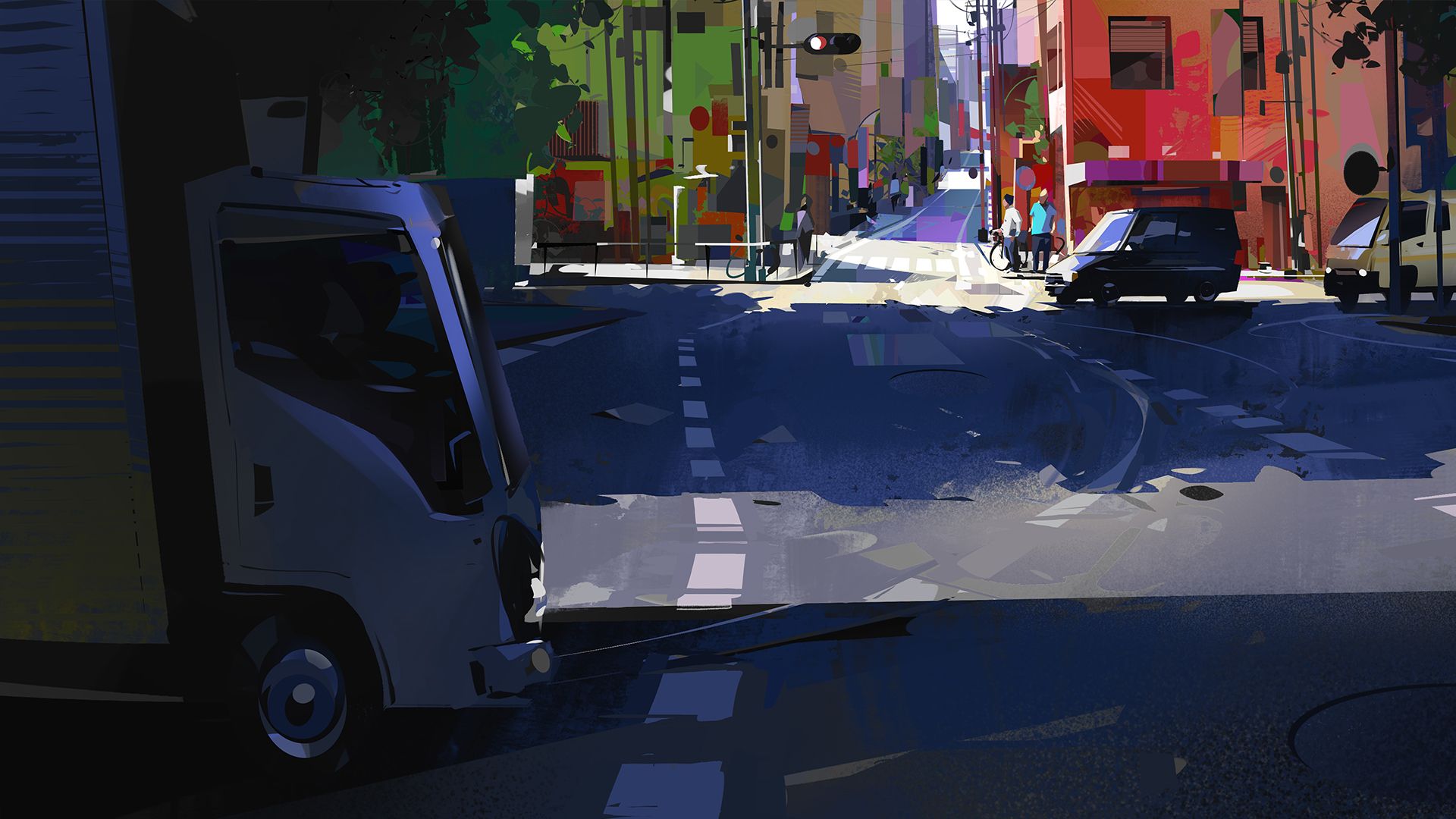
☆ Color Contrast Strategy Demo
☆ Detail Contrast Planning Demo
☆ Final Thoughts
INCLUDED IN MY COURSES

Fundamentals & Materials
We'll cover the basics you need to understand before jumping into painting. You'll get access to the Photoshop and Procreate brushes I use, plus organized practice files so you can follow along with the exercises.

Practical exercises
I'll give you simple exercises to practice what we cover, plus you'll watch me paint complete scenes from start to finish so you can see the whole process. I've also included additional real time painting videos.

Lifetime Access
Once you get the courses, it's yours. Watch it as many times as you want, whenever you want. Some concepts take time to sink in, so being able to go back and rewatch sections is helpful.

Flexibility
Learn at your own pace. Watch a whole module in one sitting or just do 10 minutes here and there. The courses work on any device, so you can watch it wherever you are.

Community of artists
You'll get access to a group of people working through the same stuff. Ask questions, share your work, see what others are doing. It's nice to have that support when you're learning.

My dedicated support
Got questions? Just ask. Whether it's about a specific technique or you're not sure if you're doing an exercise right, I'm here to help. I check messages regularly and I'm happy to help clarify things.
COURSES STRUCTURE
These courses are designed to be practical and straightforward. No overwhelming theory or fancy jargon. Above you can see an overview of the platform for the Composition in Digital Painting Course. The platform experience is the same for both courses included in the bundle.
Here's how it works:
All videos are HD quality and you can adjust playback speed if you want to slow things down or speed them up. I use lots of visual examples and references so you can see what I'm talking about.
You can follow along with each demonstration, and there's a community section where you can ask questions or share your work with other students.
The courses focus on practical skills.
You'll work through real painting problems, how to read values, how light behaves, how to make color decisions that actually make sense, how to make a painting clear and balanced. Everything is there to help you paint with more confidence, not just understand things in theory.
BONUSES
Extra content you will get with the courses
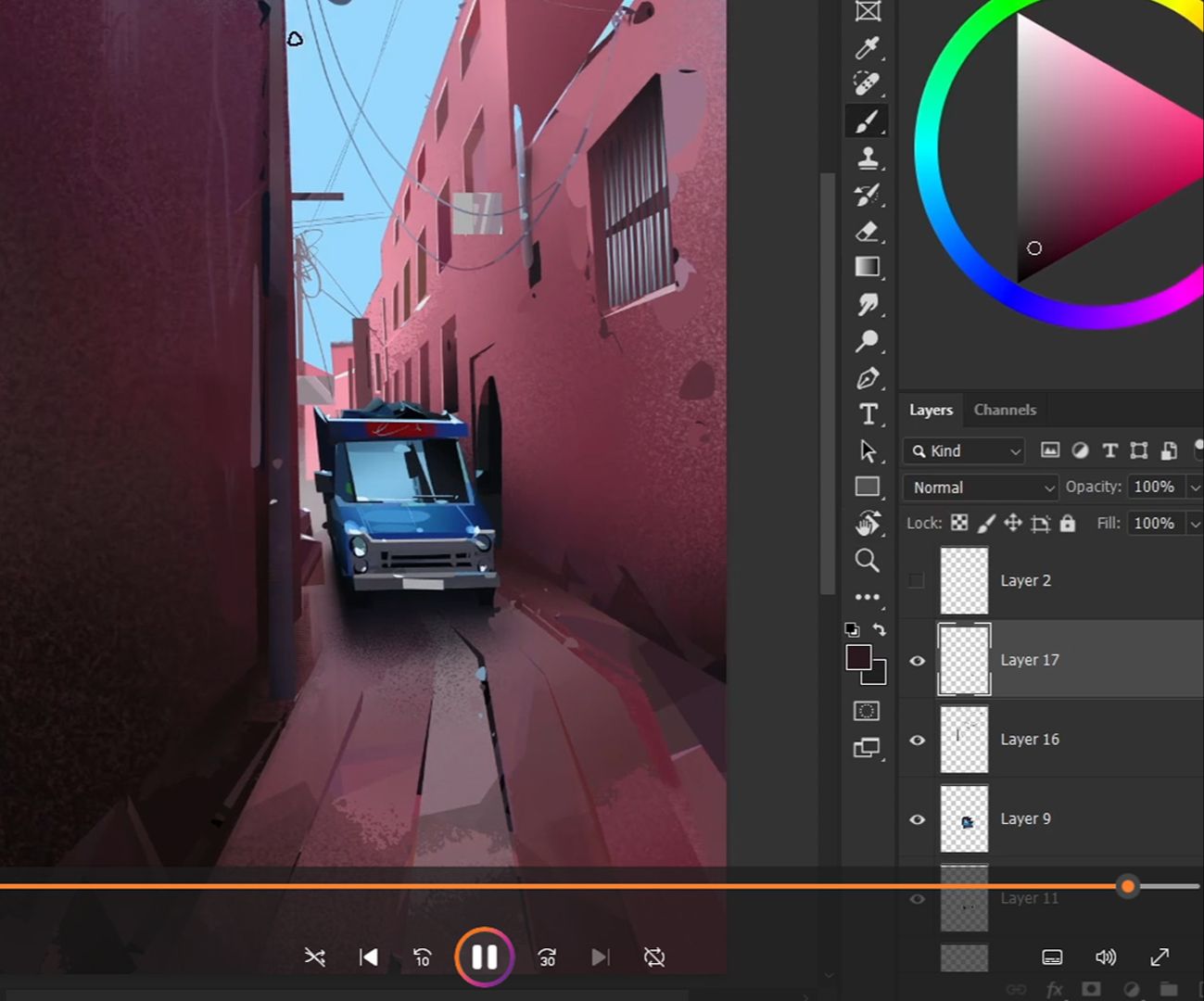
Real time painting videos
Watch the complete, unedited process. See every decision and mistake - just like being there while I paint.
VALUE: $67 FREE
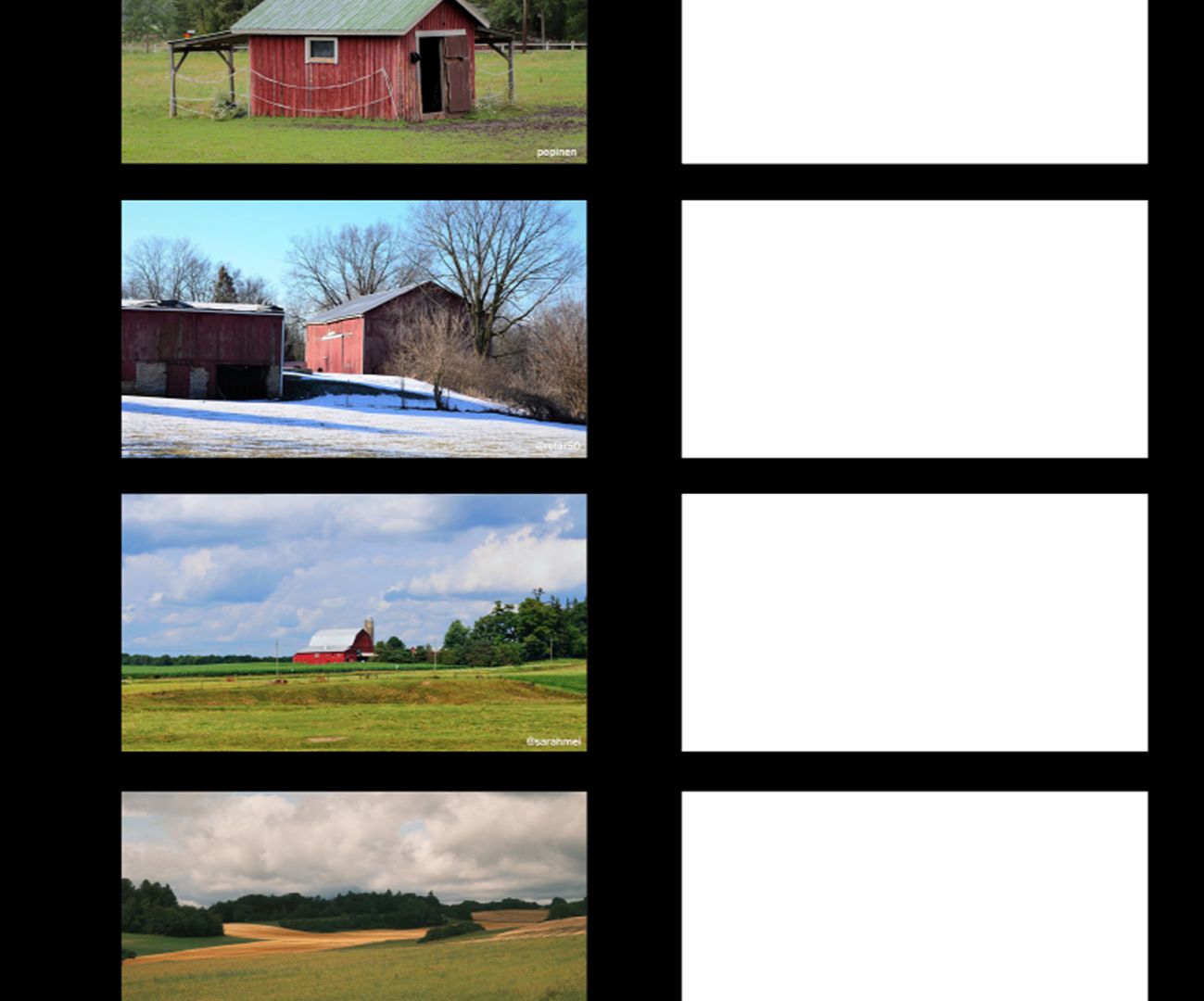
Photoshop & Procreate files
Layered files for Photoshop and Procreate with reference images from the demos. Practice with same setup I use.
VALUE: $47 FREE
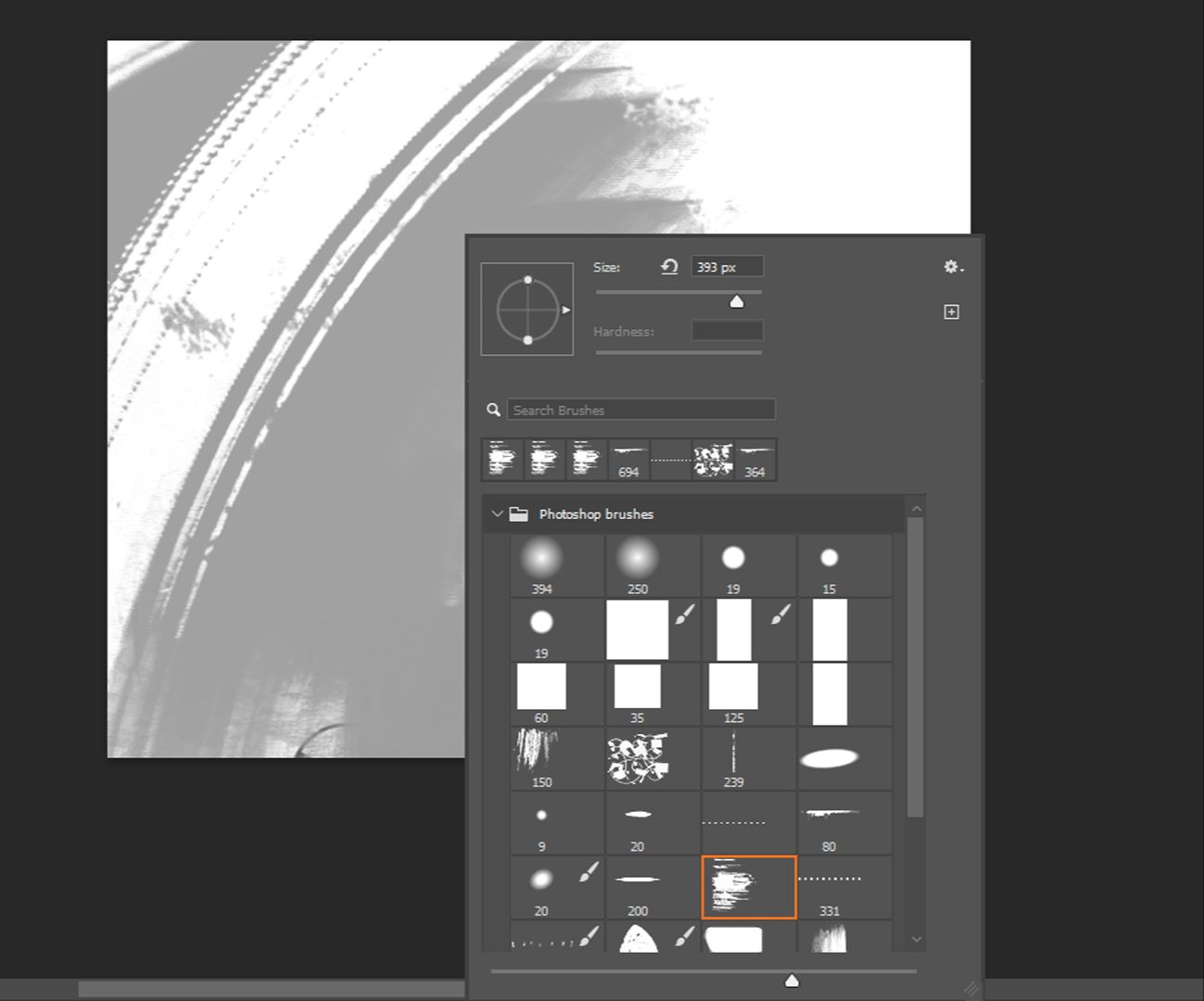
Procreate & Photoshop brushes
Brushes I actually use in the course - for both Photoshop and Procreate. No need to hunt around for the right tools.
VALUE: $27 FREE
REGISTRATIONS ARE CLOSING SOON!
Learn Digital Painting once and for all
00
DAYS
00
HOURS
00
MINS
00
SECS
TWO WAYS TO GET STARTED
Purchasing these 2 courses separately would cost you $597. But, with the special bundle offer, you save $100 giving you an incredible deal which will guide you from your first steps in digital painting!
Here you can find two options that only differ in how you want to pay. The first option is a one-time payment and the second is a monthly option with six monthly payments. The price displayed below is in US dollars, but you can pay with any currency.
Start learning Digital Painting now!

MY GUARANTEE TO YOU
If you are not satisfied with the courses for any reason, you have the right to obtain a full refund within the first 14-days. This is my guarantee to you. Also, this means that there is no risk at all! Give it a try and experience the program first-hand